 Source code(Github)
CryptCloudViewer(ccViewer) is a cloud storage viewer which can view with keeping files encrypted transparently. Available encryptions are CarotDAV, rclone, Cryptomator, gocryptfs and available cloud storages are Dropbox, Google Drive, OneDrive, pCloud, WebDAV, SFTP, Samba, S3-compatible storage and device local files. And also supported encrypted cloud storages of Filen.io.
This app can play media files with keeping encrypted. In addition, this app can play non-native media files (ex. mpeg2) with software decoder. You can edit your cloud storages: upload, make folder, rename, move, delete items. Also this app supports Chromecast, can send media to a device with encoding in app.
The following features allow you to use cloud storage without downloading all files at once, and you can stream them directly. Also, even if the files in the cloud storage are encrypted, you can transparently decrypt and stream them without saving plaintext on your device.
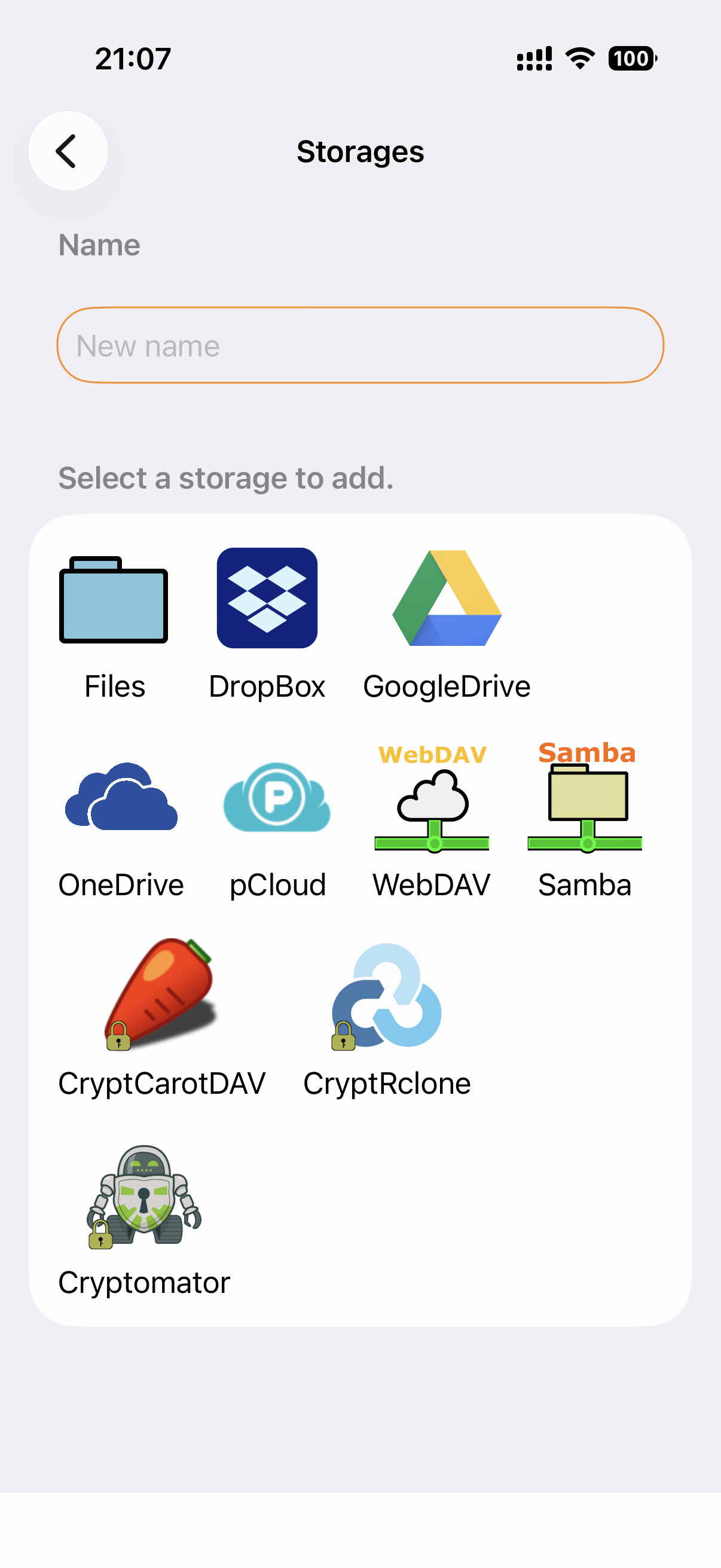
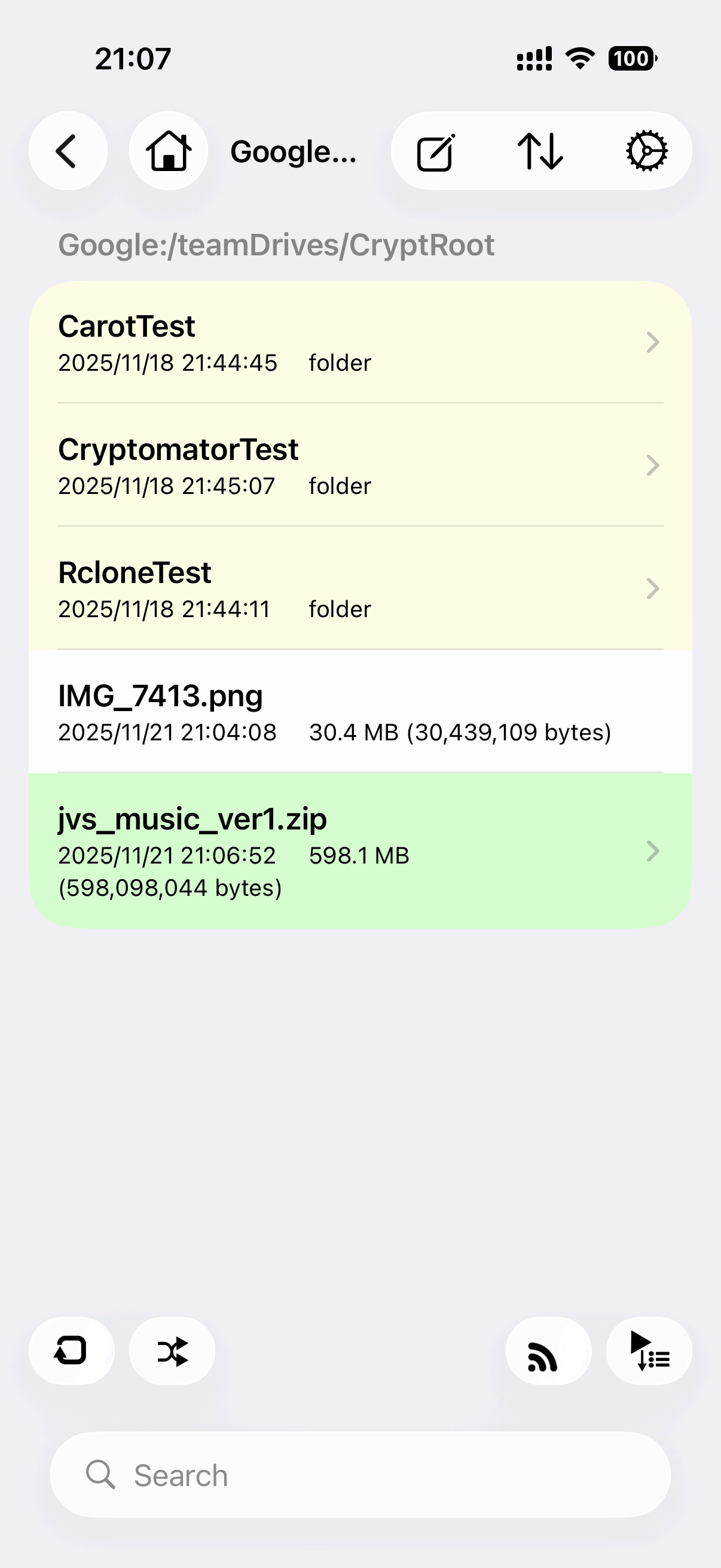
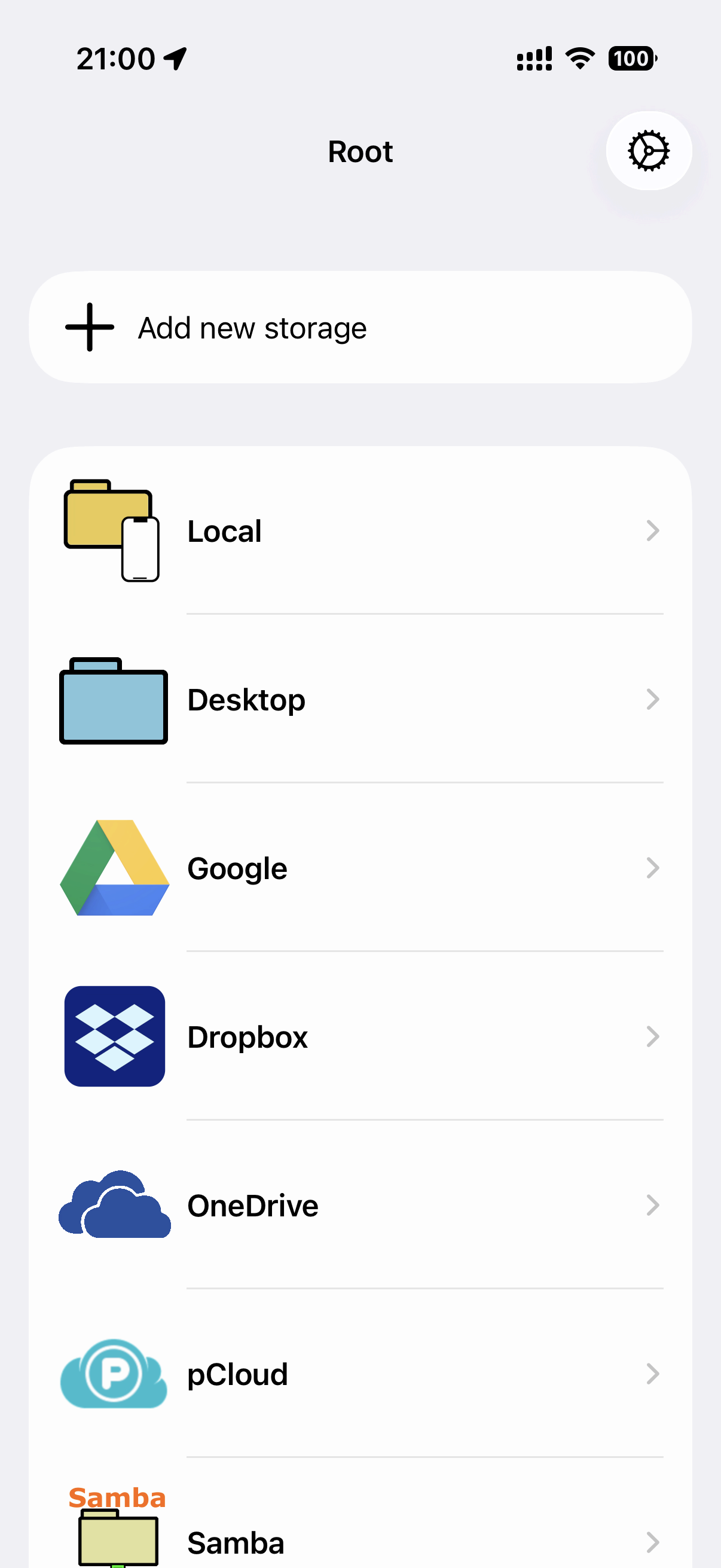
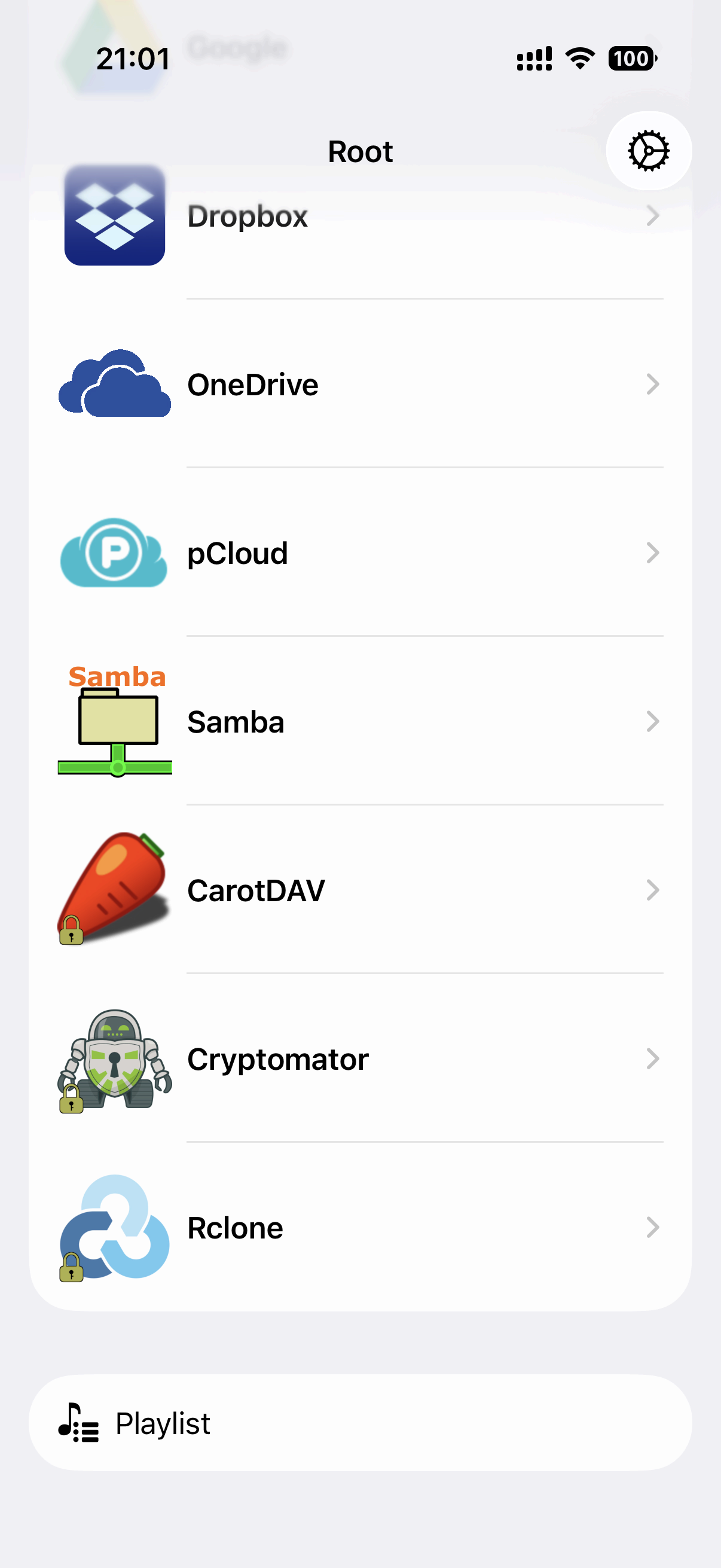
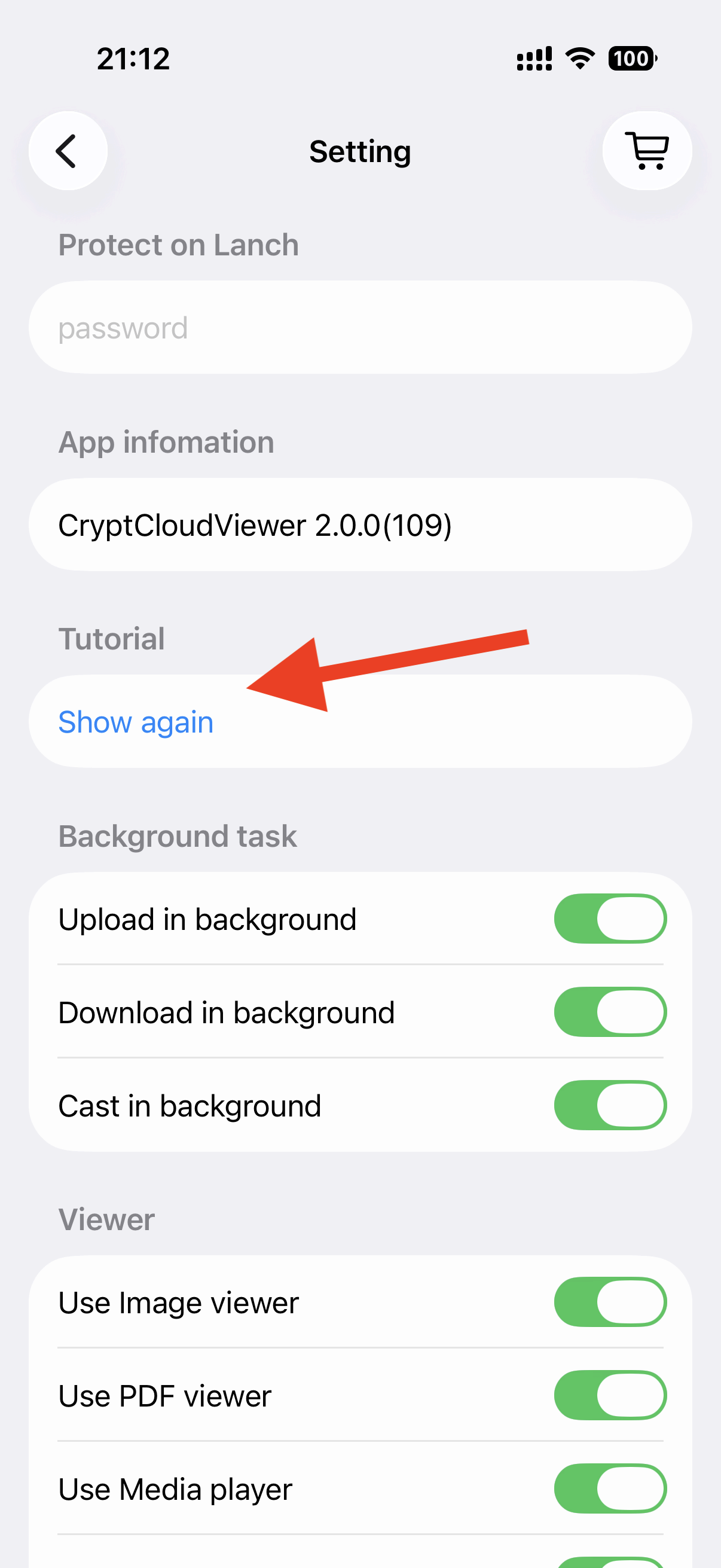
In first time launch, the tutorial is shown. This tutorial can be shown with 'Tutorial: Show again' in Settings.
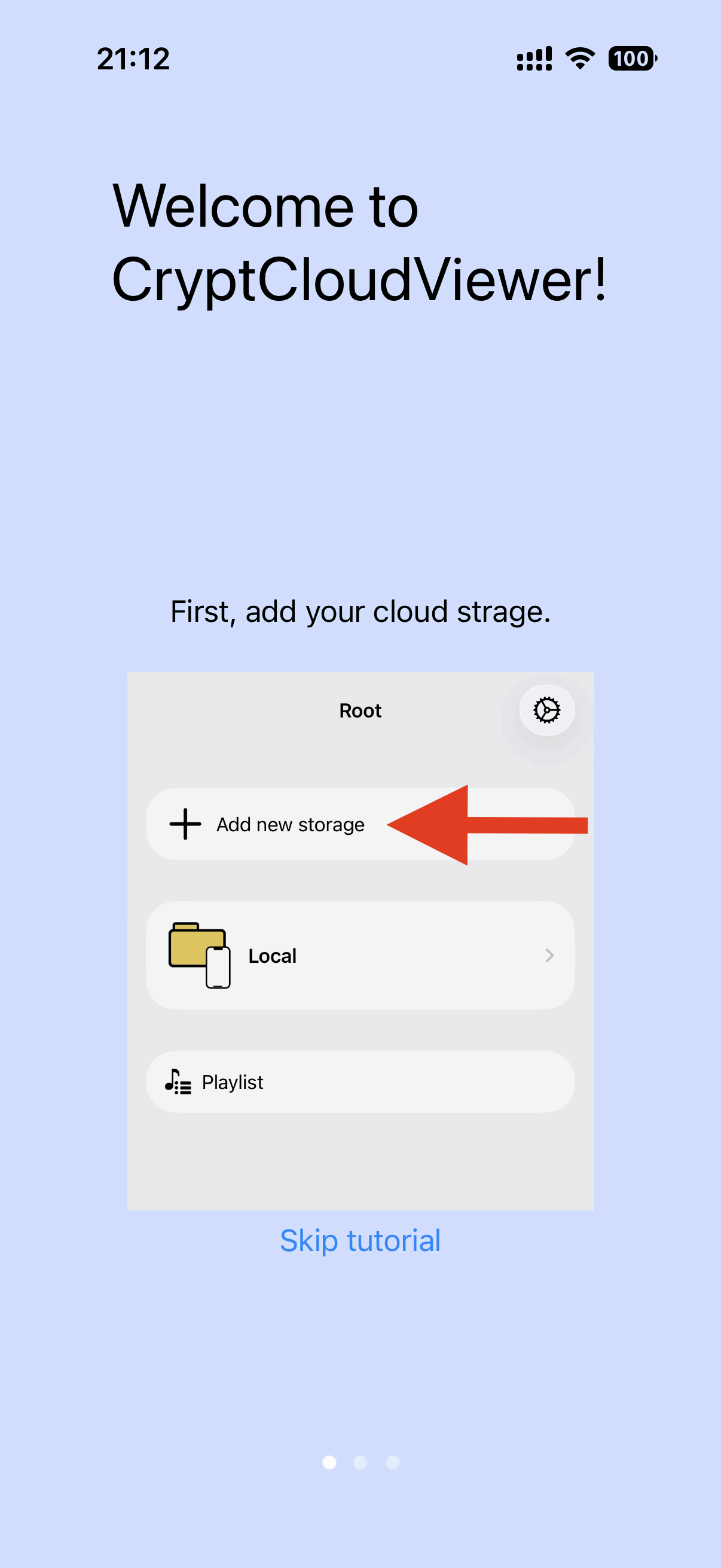
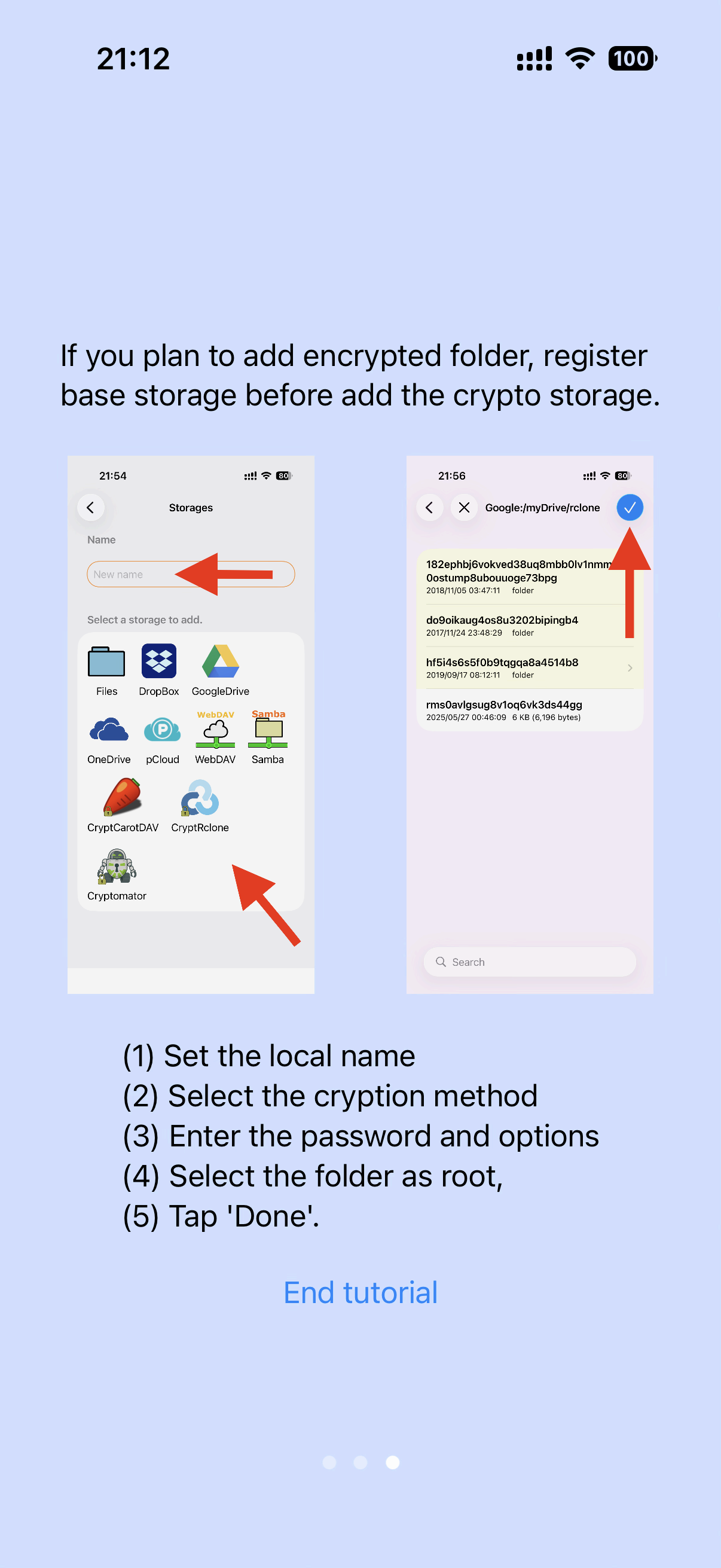
First, select a cloud storate and login. If you want add encrypted storage, add storage including encrypted folder in advance.
The password of encrypted folder will not test to correct or not. If you enter incorrect password, data will be shown in broken and no error will be shown.
The data of unsupported format will be shown by hex in binary viewer. You can long press the item to show in binary viewer. You can switch to text view from the binary viewer.
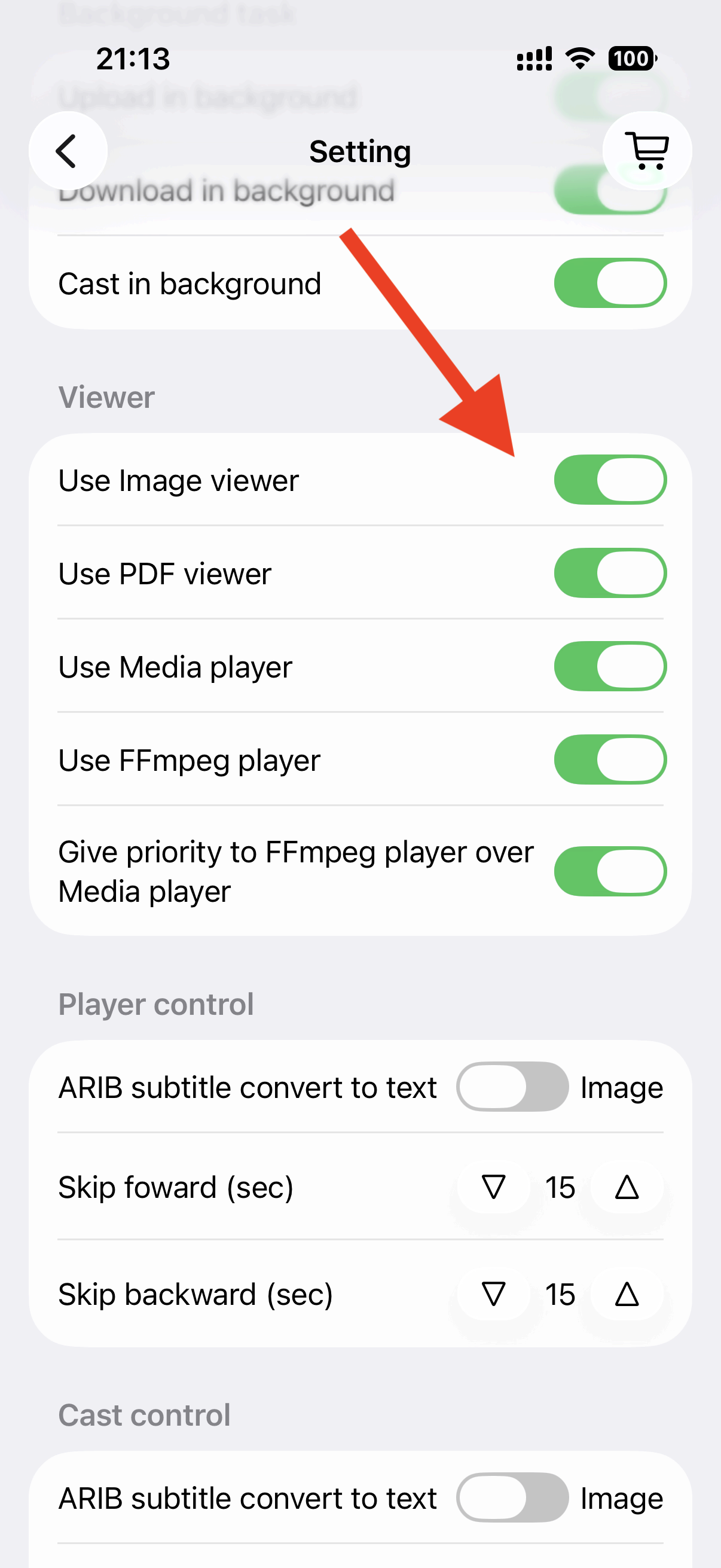
Software decoding with FFmpeg can play media (ex. MPEG2) not supported by iOS.
The app can cast the media to Chromecast. Cast media function converts any media type to cast available one.
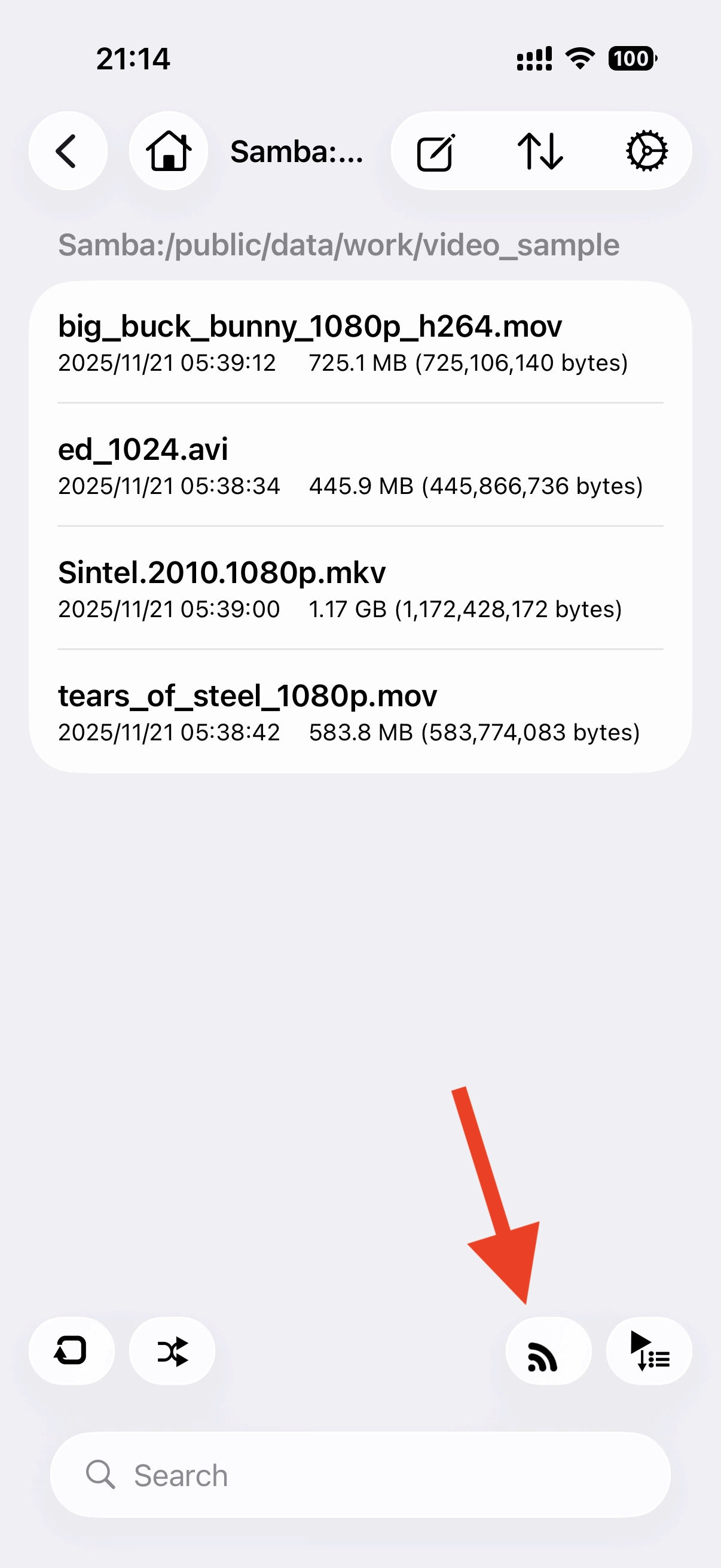
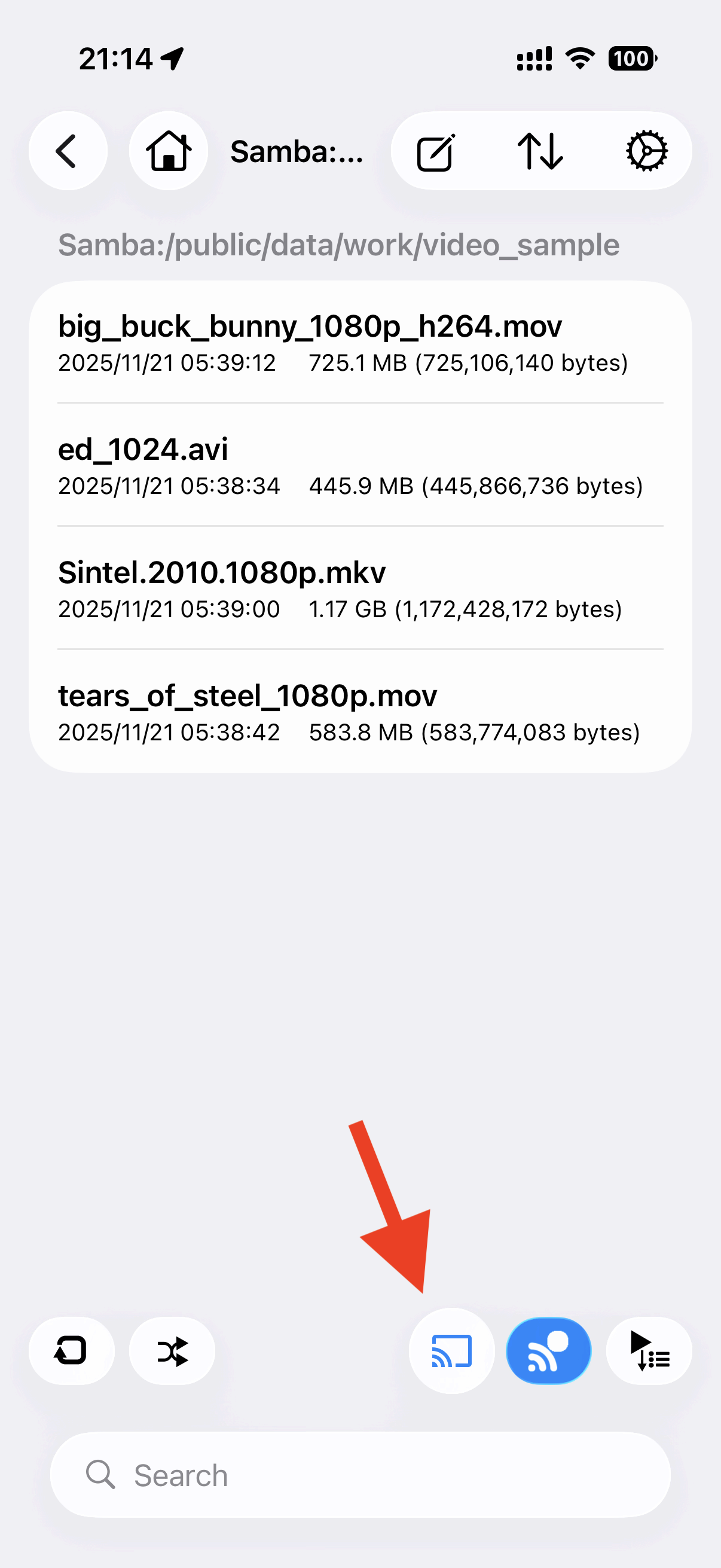
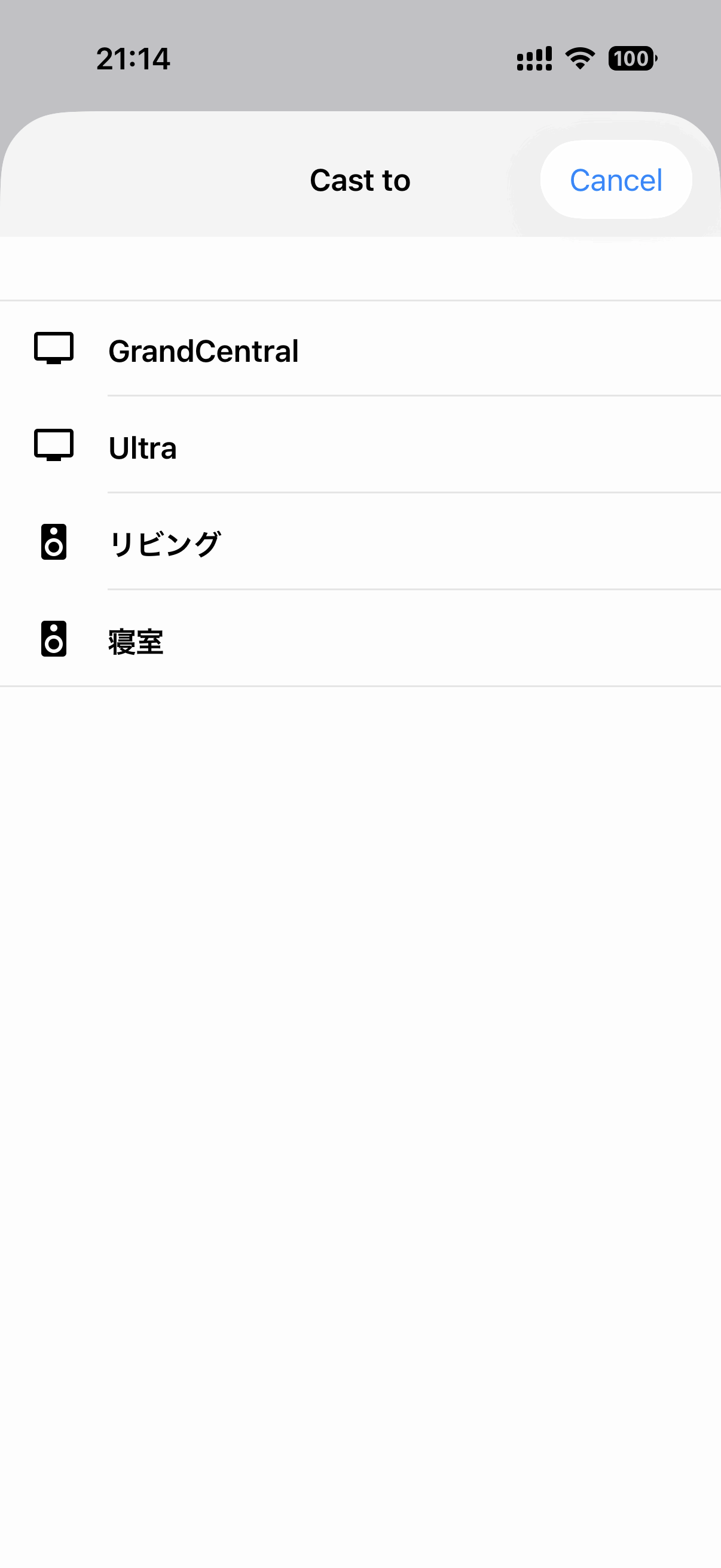
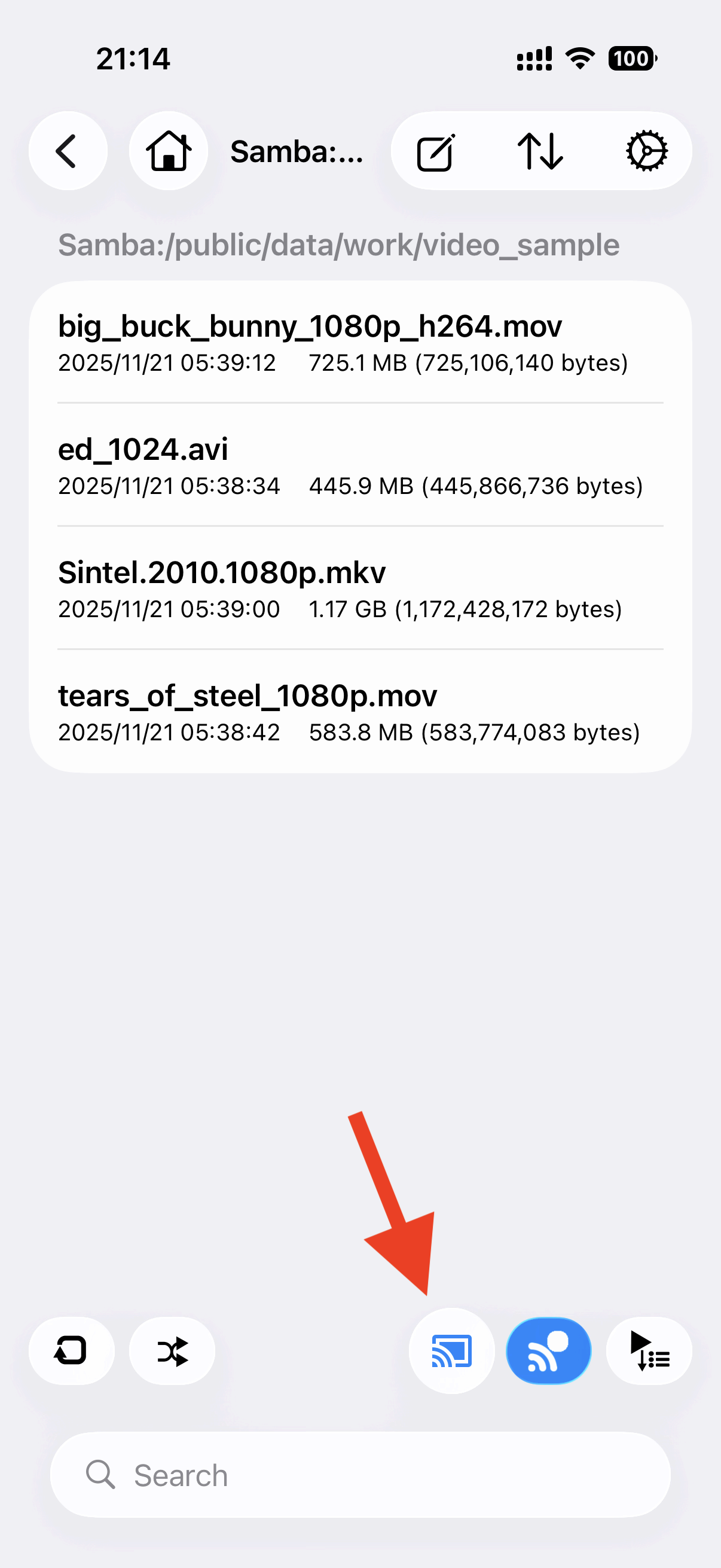
Tap the cast button on the right buttom and select the cast device. After cast mode on, select the media file that you want play.
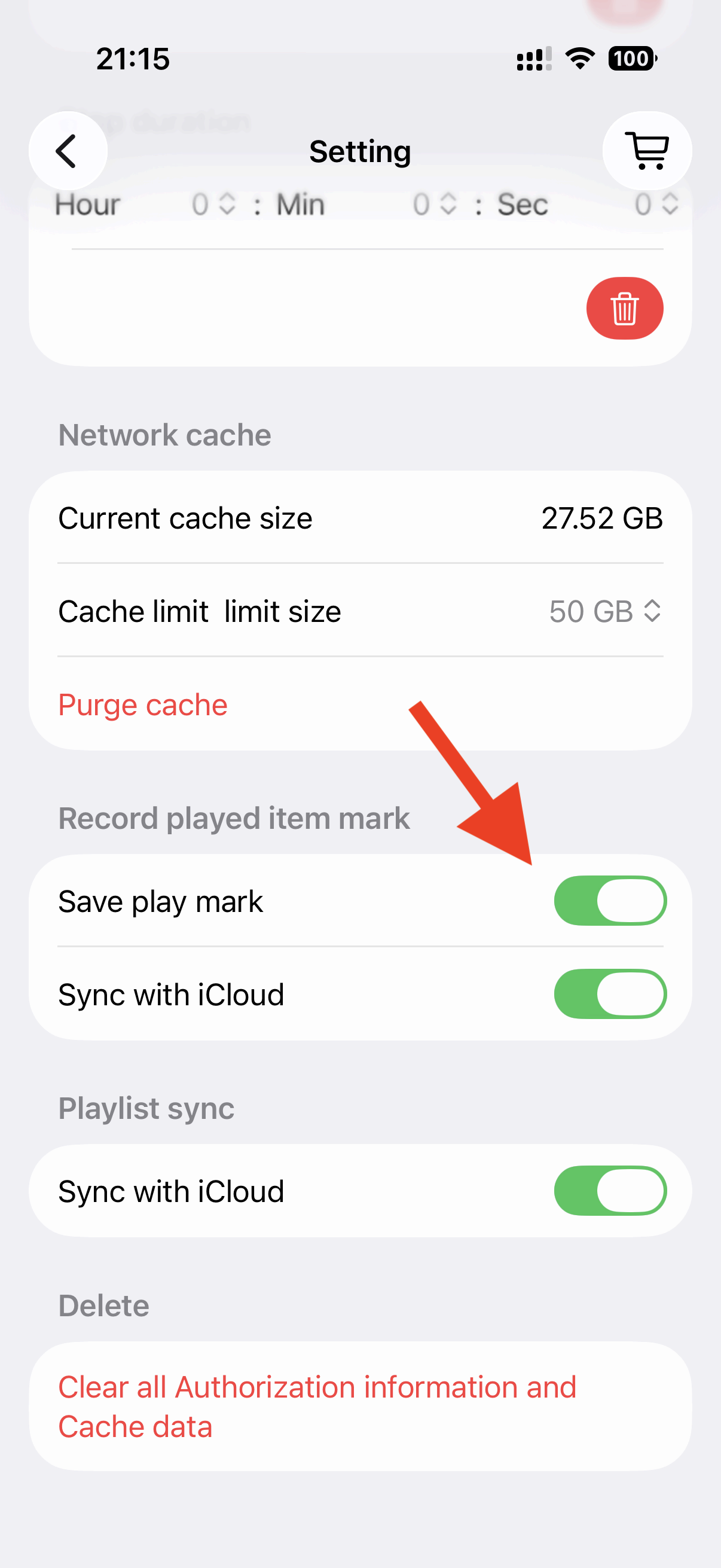
You can mark the file as already played. In settings, save last play position and resume to play. If you log in iCloud, share the played item and last play position between devices.
If you want to mark or unmark the item manually, swipe the item right to left and tap the mark button. And in edit menu, you can unmark multiple items.
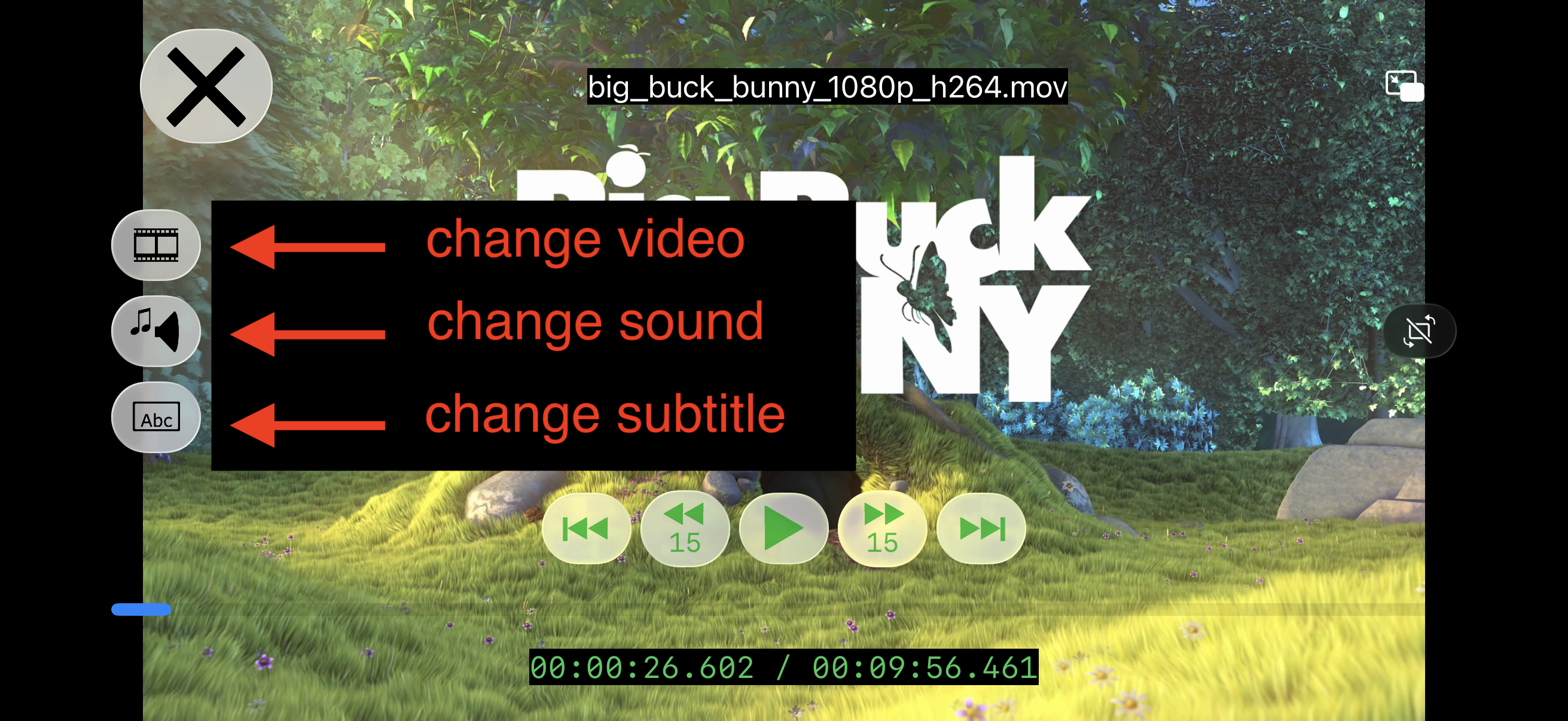
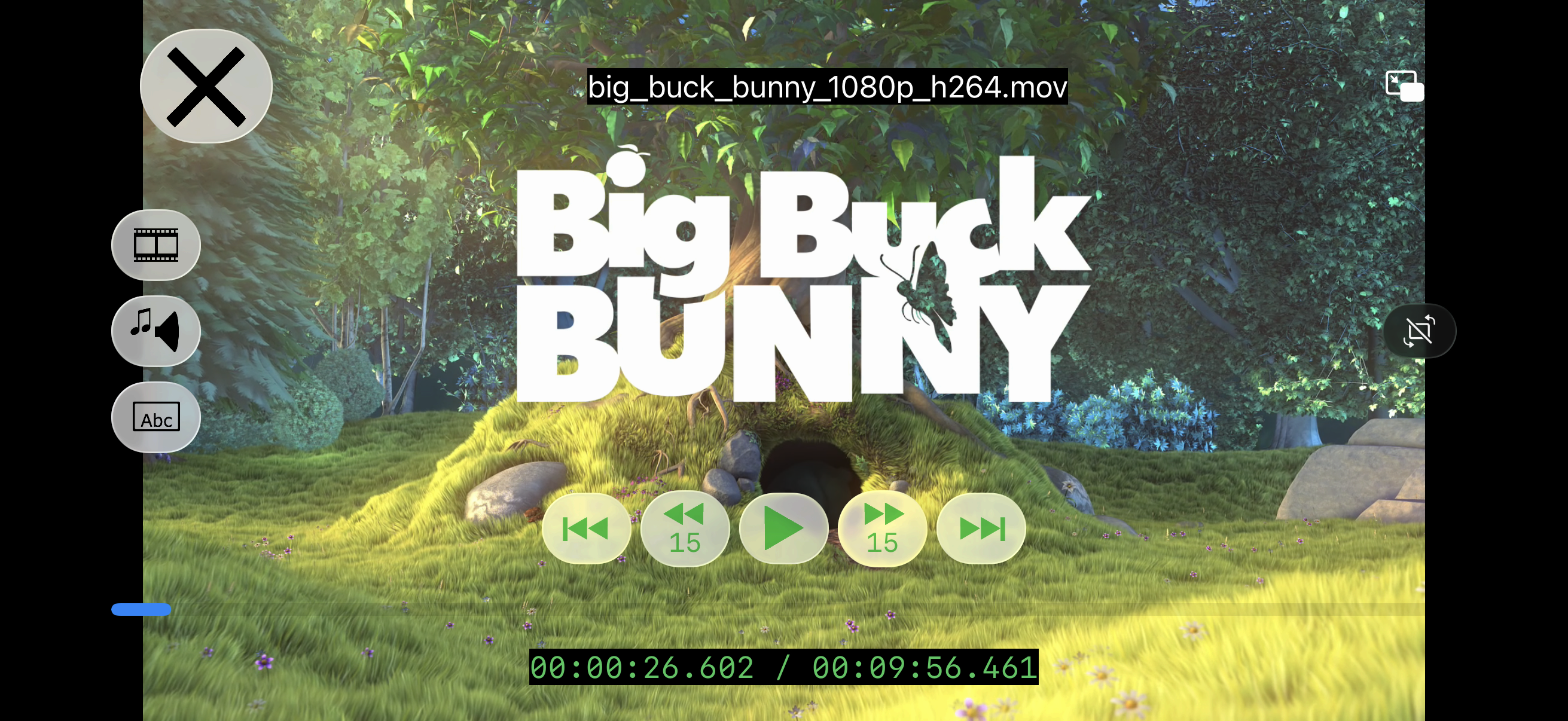
In software player, tap the screen to display or hide controller. The media has multiple video tracks, audio tracks or subtitles, select them in the left buttons.
Finally, this app supports Picture in Picture in custom player. You can watch PiP window while using other apps.
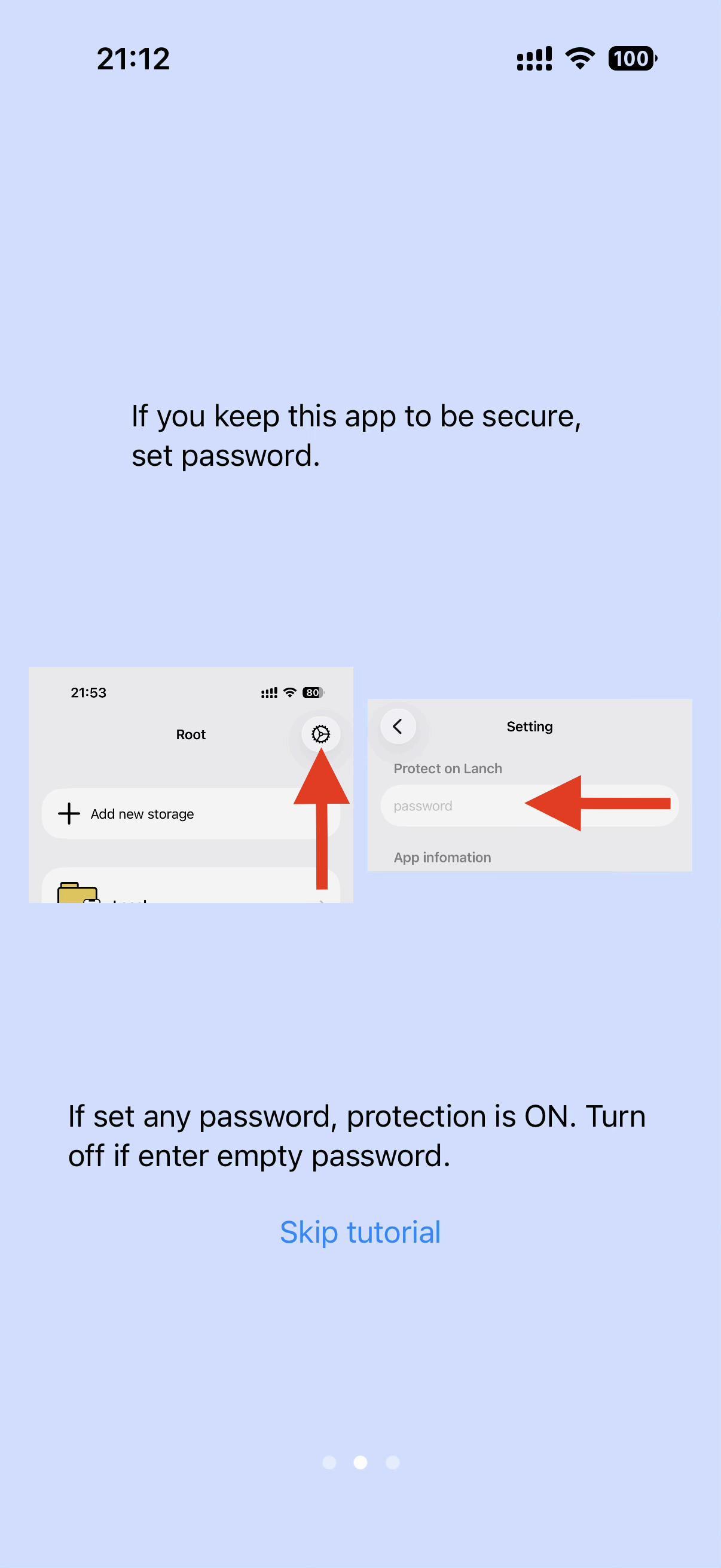
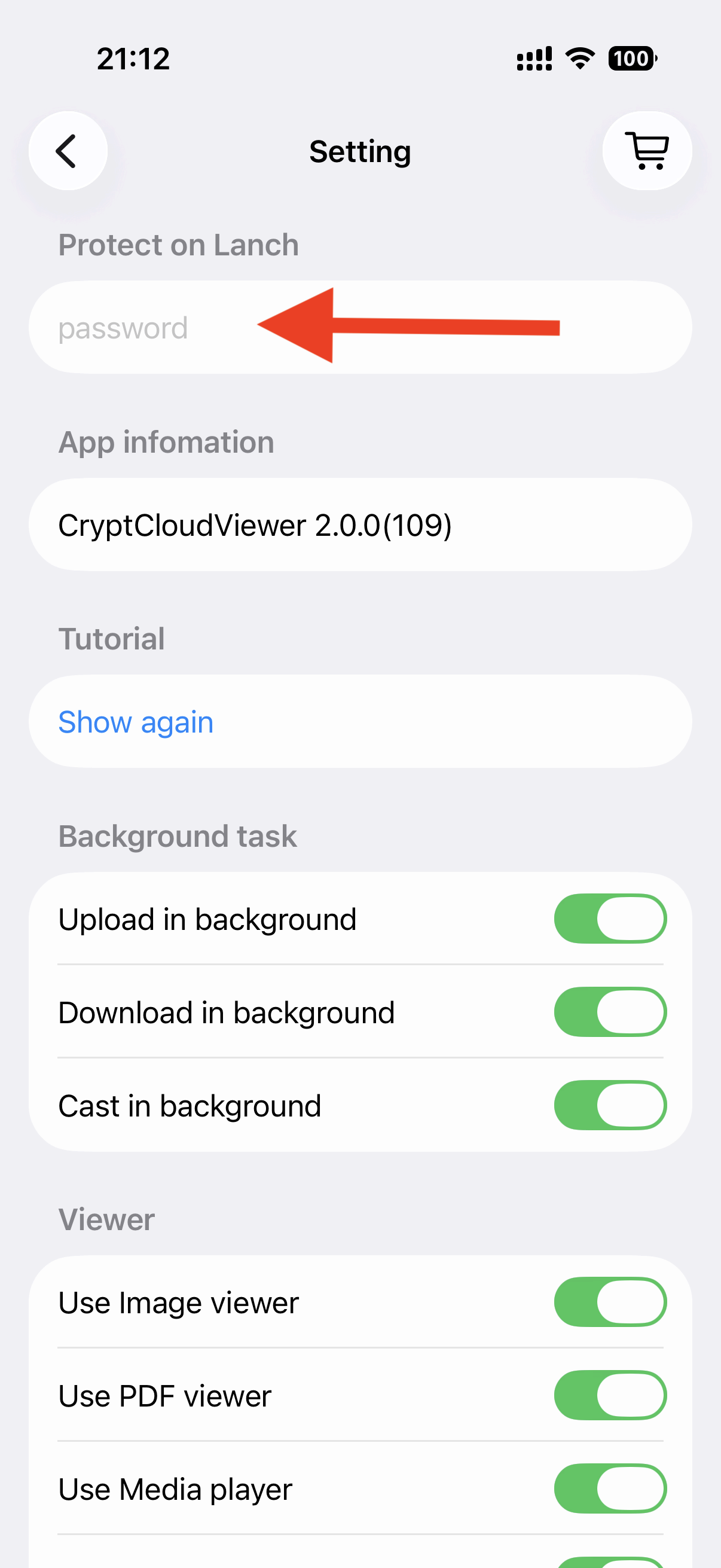
This app can be protected on launch by password and Touch ID/Face ID. If you enter any password in 'Settings', the protection is ON. Set empty password and the protection is OFF in next launch. No protection in task switch for convenience. If you want protect immidiately, tap top left button in root view to lock.
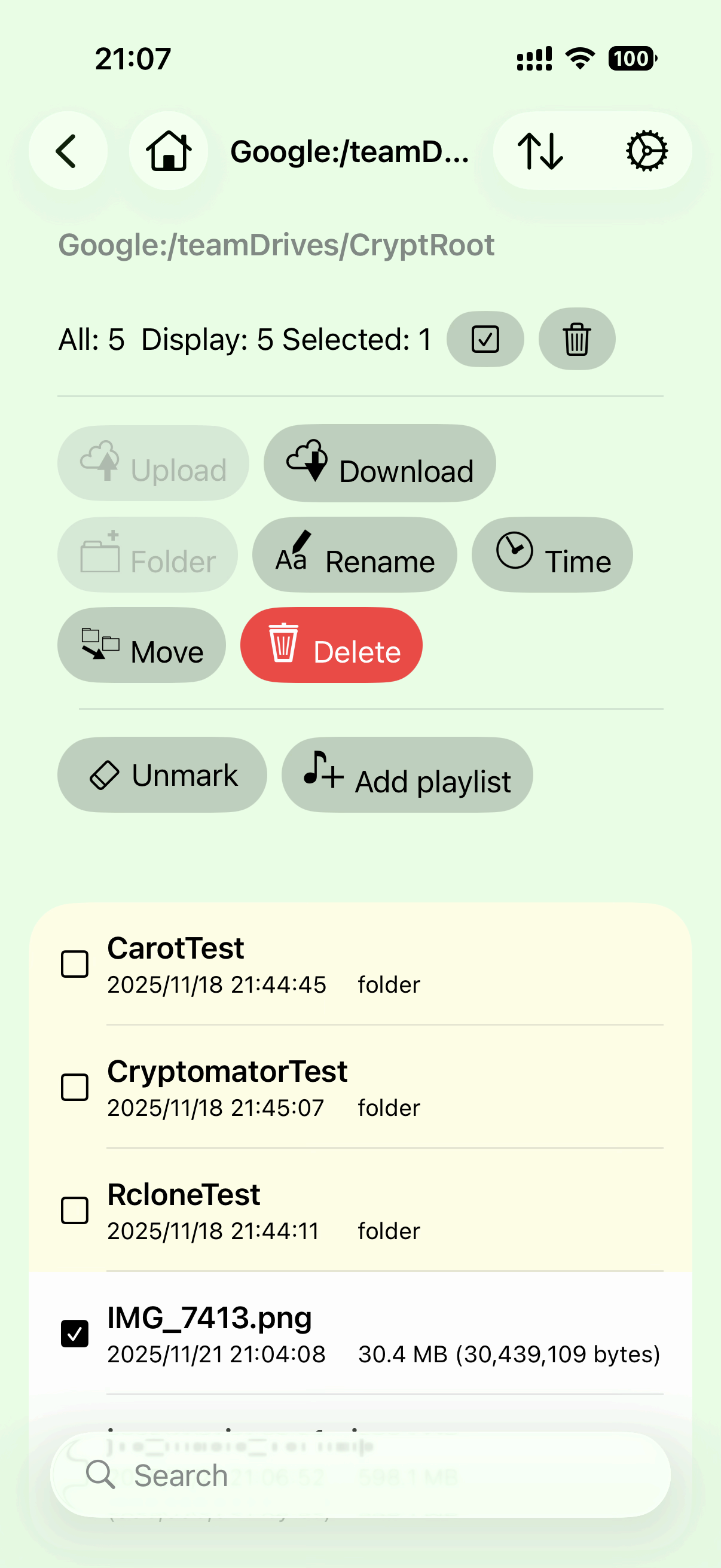
This app can edit cloud items: upload, make a folder, rename, change modified time(if supported by the cloud), move, delete.
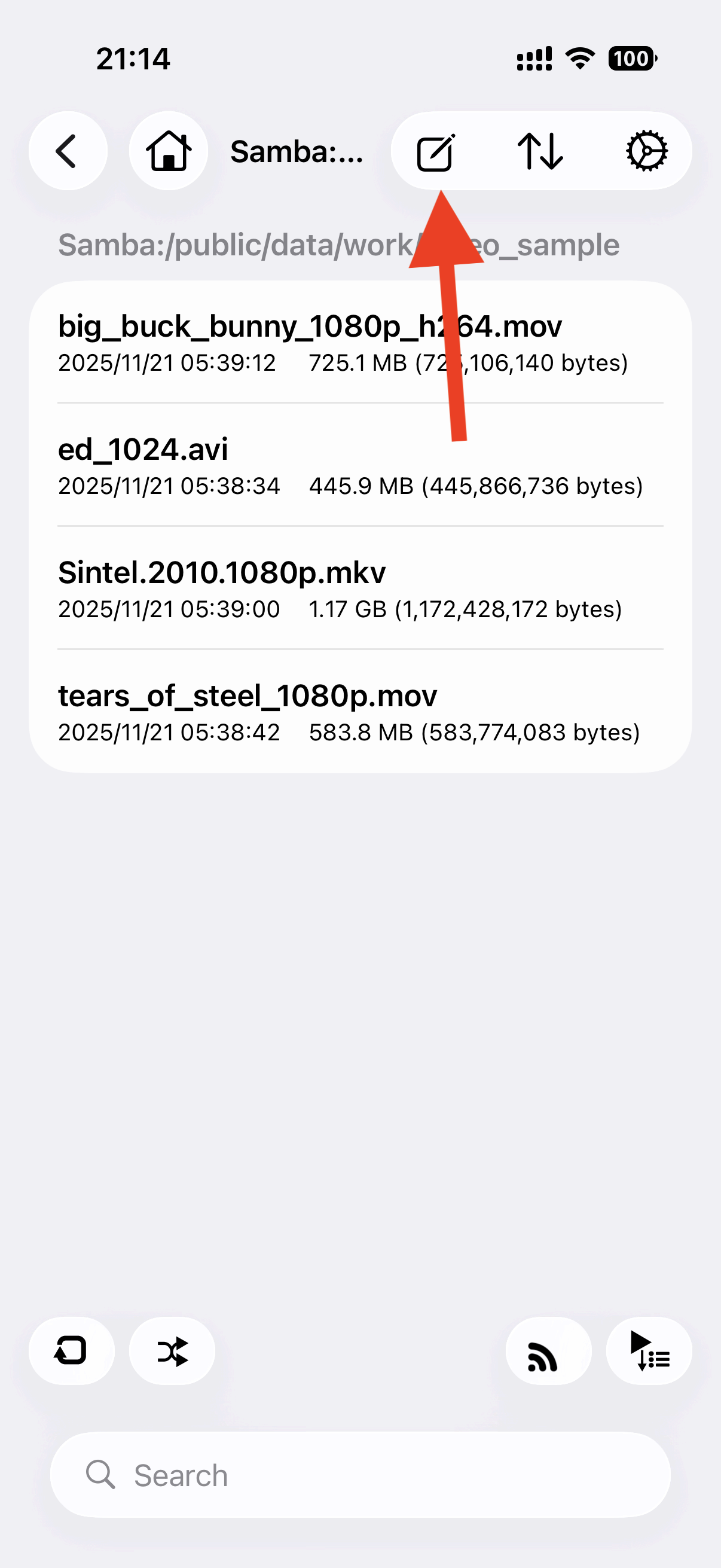
Tap edit button in the right and enter edit mode.
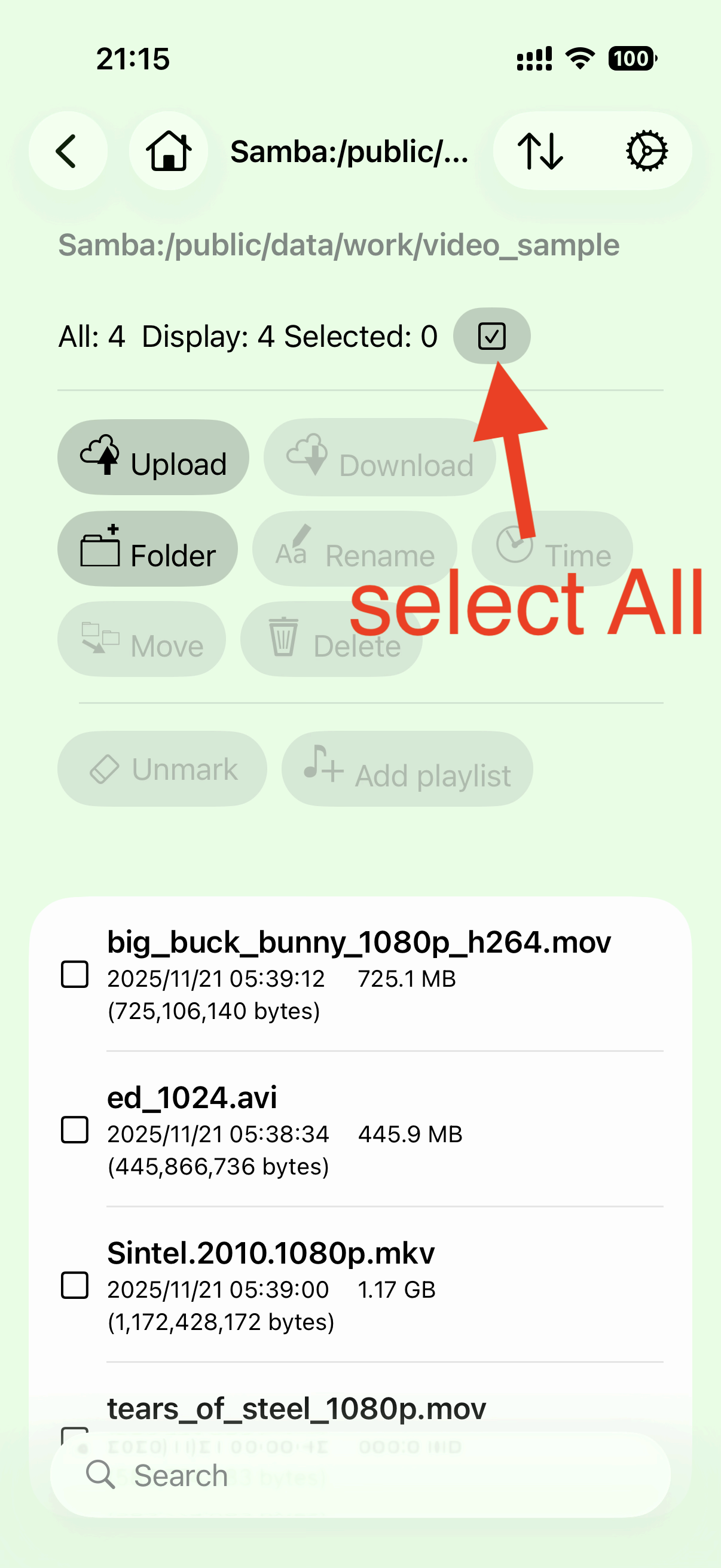
In edit mode, items can be edited. Upload and Download, make new folder, rename, modify time, move, delete are available. And also you can unmark the played items, you can send items to playlist.
Move item works in same storage only. If you select to other storage or cannot move location, items are download to device temporarily once and upload to the destination.
This application is totally free. In app purchase items are just a donation. If you purchase the items, the secret images are shown.
back to indexcontact contact@lithium03.info